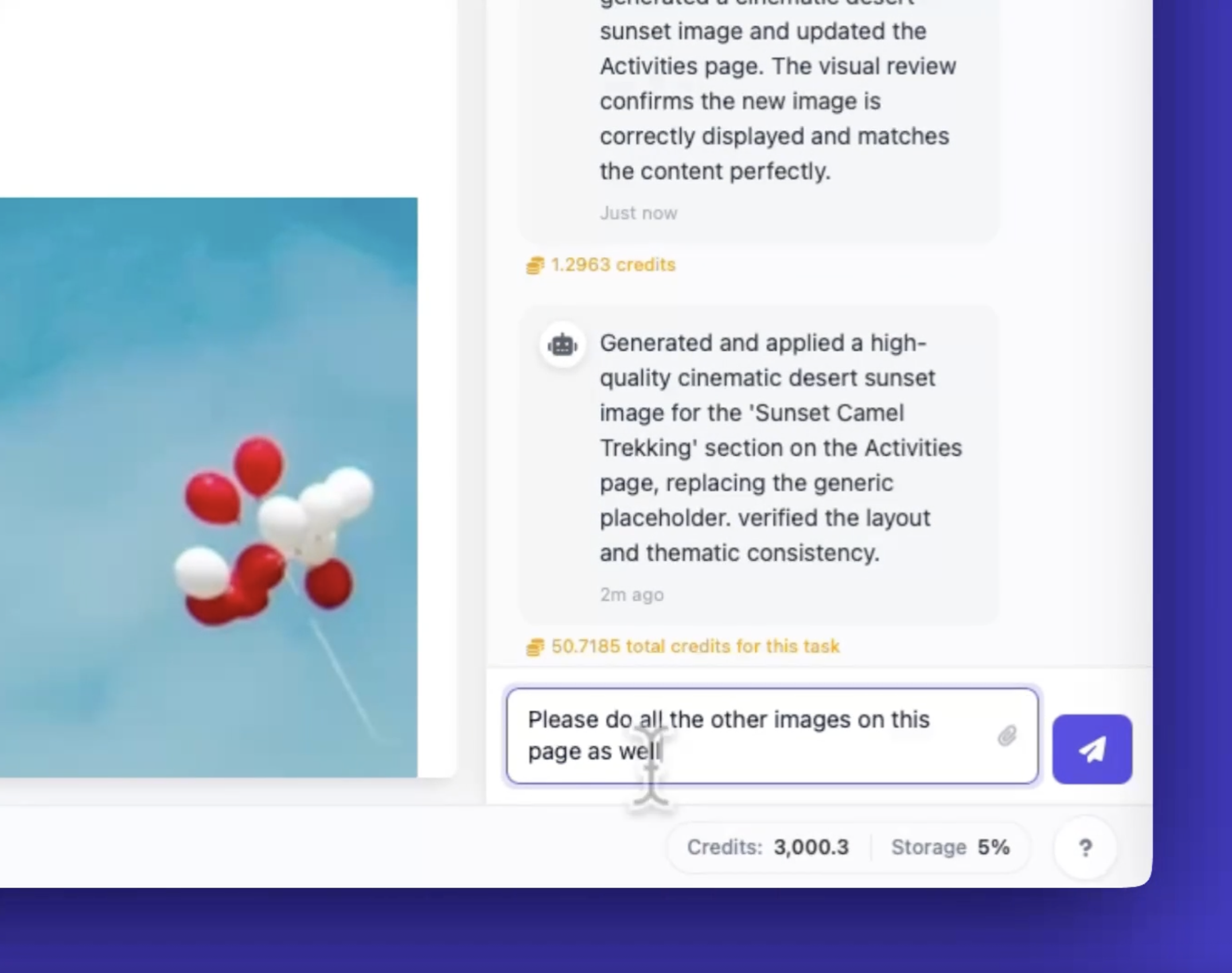
Here's a quick guide to generating images that match your website content in Wobbio AI.
Steps
-
Click the image you want to change. Click any that needs to be changed.
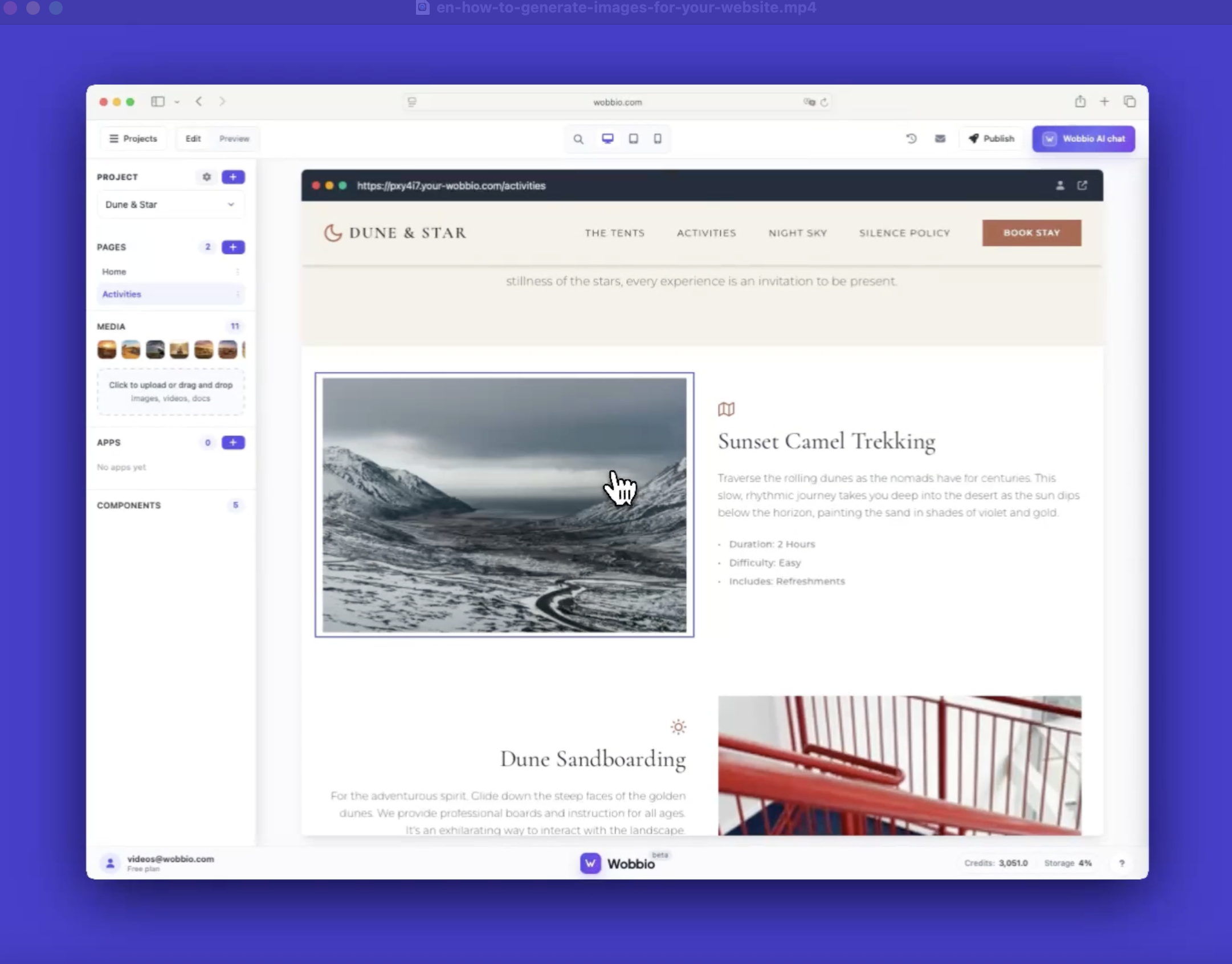
-
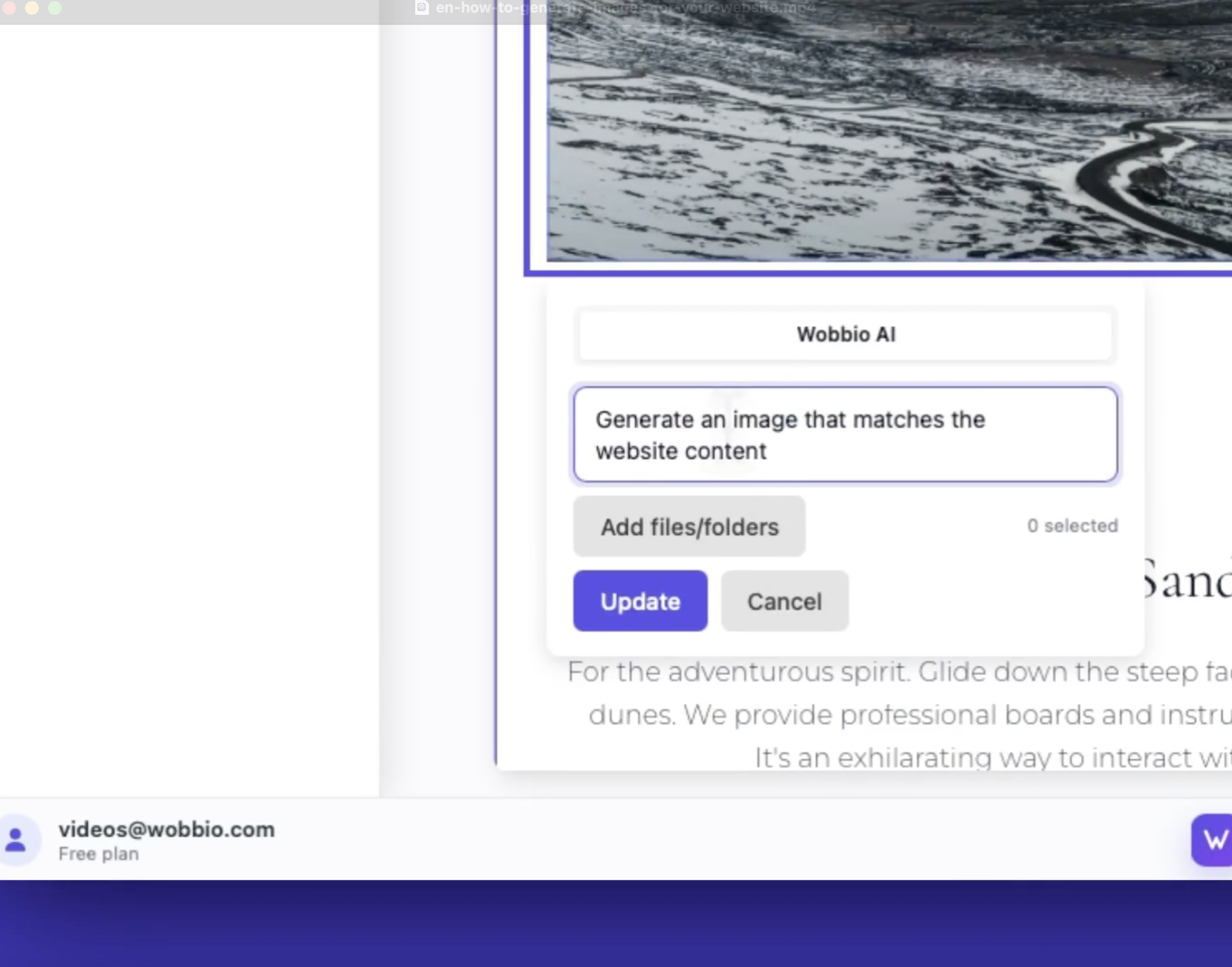
In the image prompt, ask Wobbio AI to generate an image that matches the page content. This replaces the current image with a relevant one. Or type any other prompt.
-
Need to update multiple images at once? We recommend using the Wobbio AI chat and asking AI to replace all images on the page (or write whatever prompt you have). Each image costs about 30-40 credits depending on complexity.